AddressRyefield Way, Silsden, West Yorkshire, BD20 0EF
Call us+44(0)1535 655151
Emailsales@advanced-actuators.com

Home›3D Product Explorer
3D Product Explorer
Rotate, zoom and take apart our actuators, power units and instruments in your browser.
View representative assemblies from any angle, examine features up close and see how the main components fit together, before moving on to the product pages and data sheets.
How to use it
In the explorer
Each model links to its product page for specifications, data sheets and certificates. The models illustrate selected configurations.
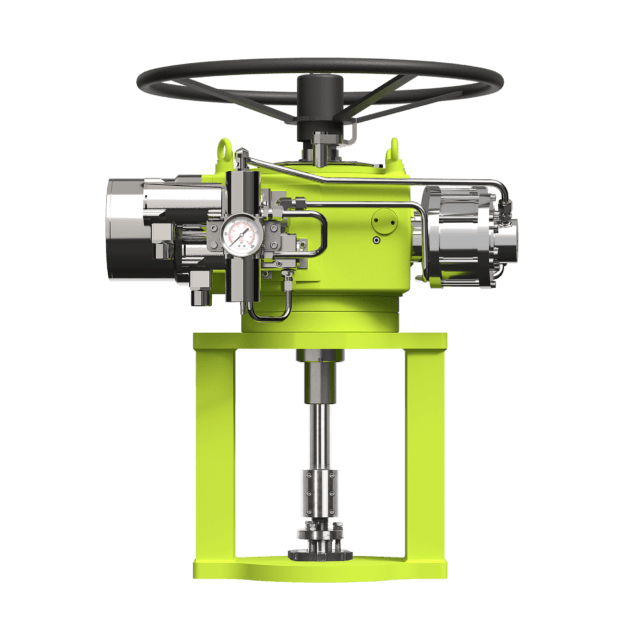
Exploded view
Hydraulic and pneumatic discrete stepping actuators for choke and control valves.
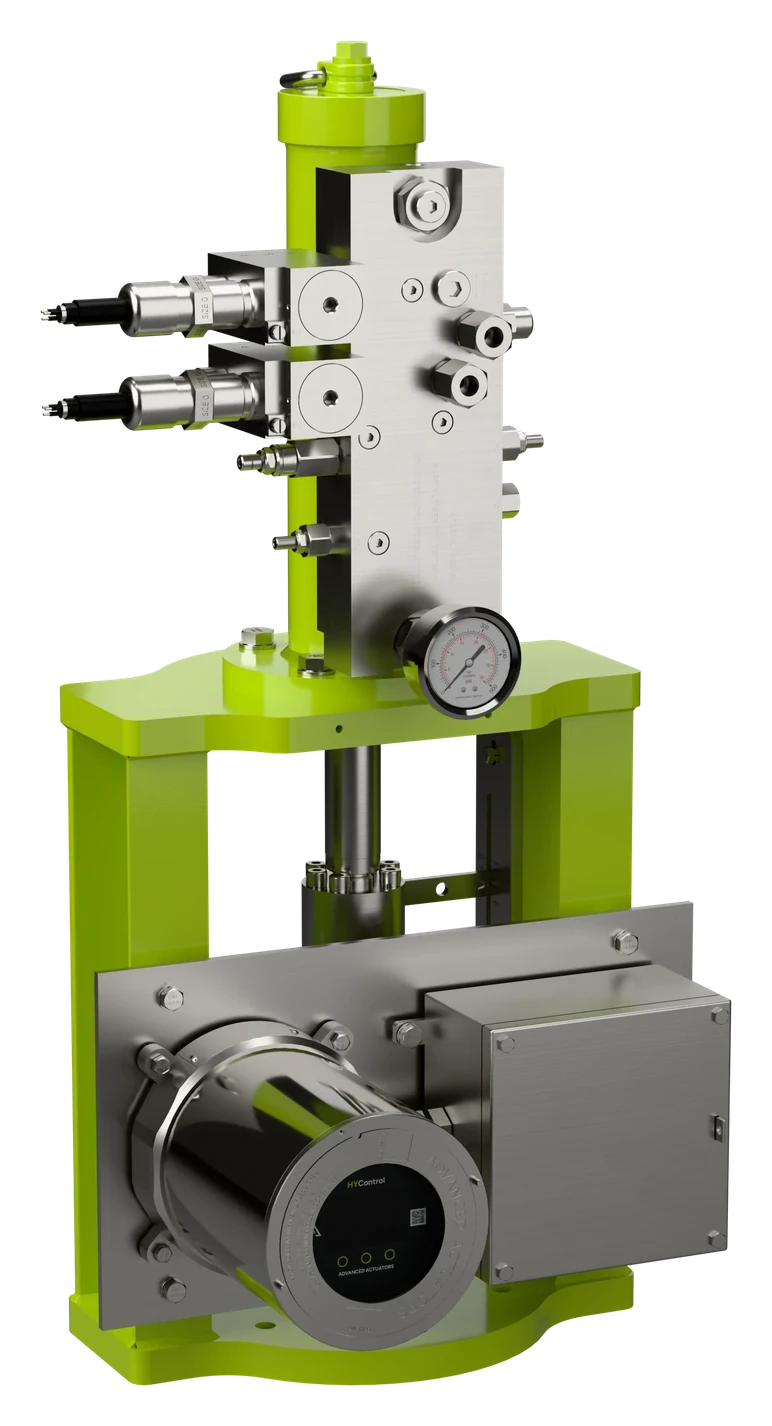
Exploded view
Electro-hydraulic linear actuators for modulating, isolation and emergency shutdown duties.
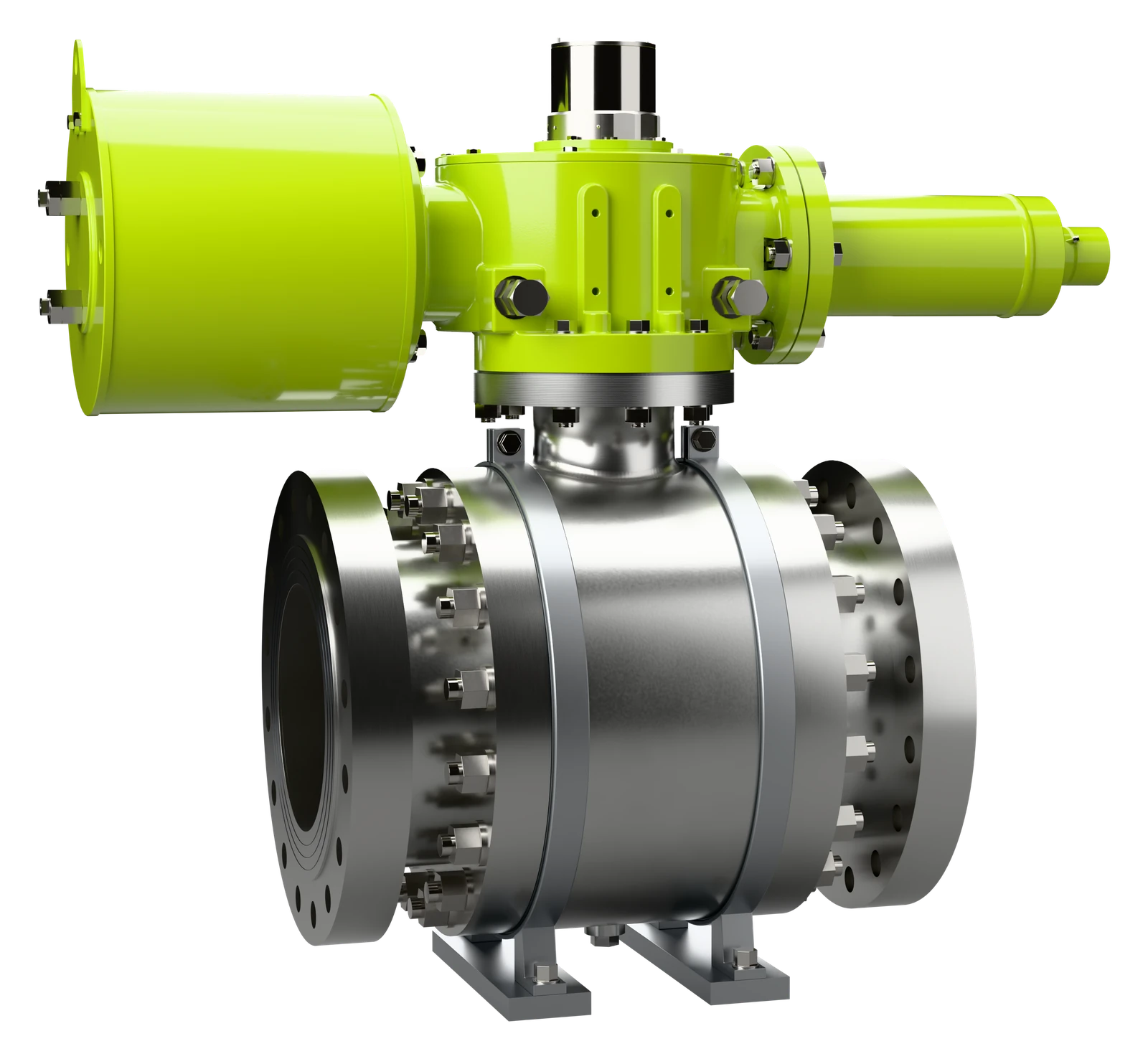
Exploded view
Hydraulic and pneumatic Scotch yoke actuators, double-acting or spring-return fail-safe, up to 16,350 Nm.
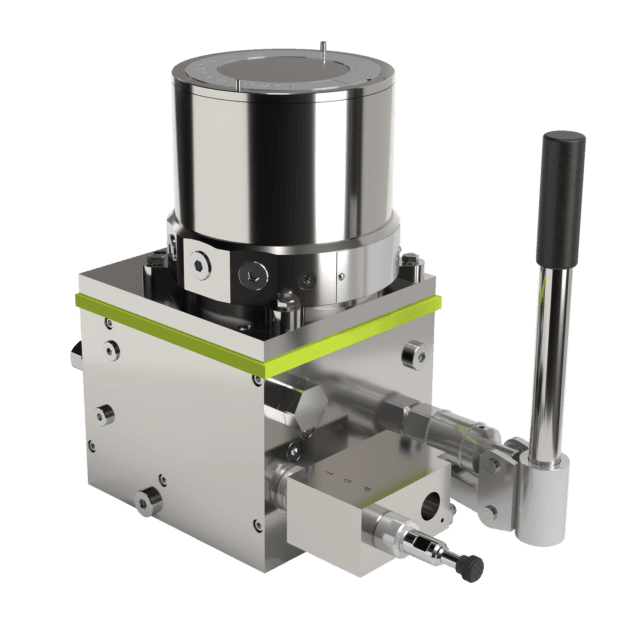
Exploded view
Self-contained hydraulic power for actuators, with no external supply needed.
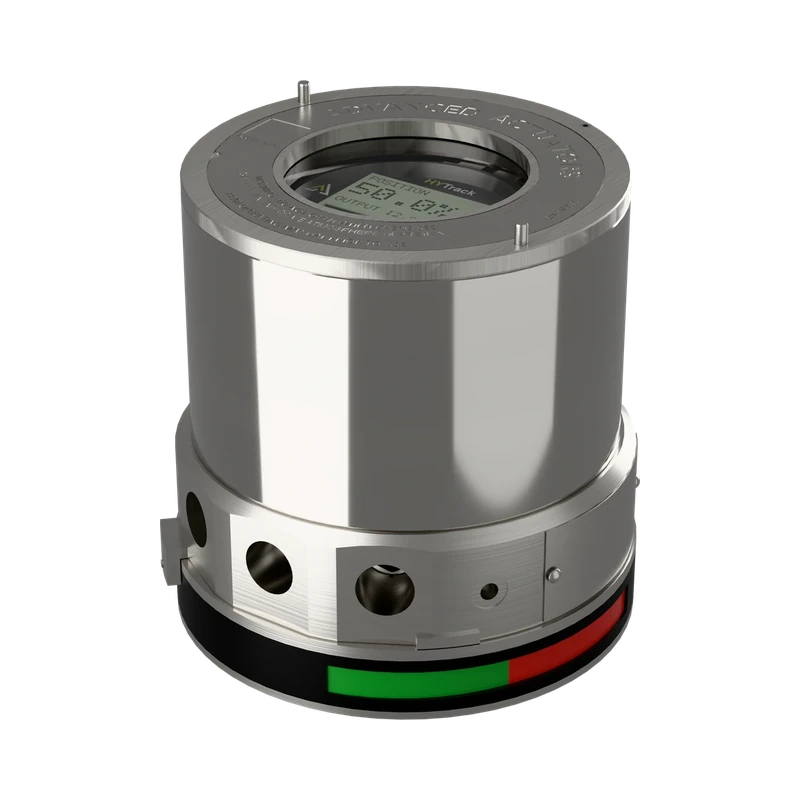
Exploded view
4-20 mA position feedback with HART 7, in a 316L stainless steel housing.
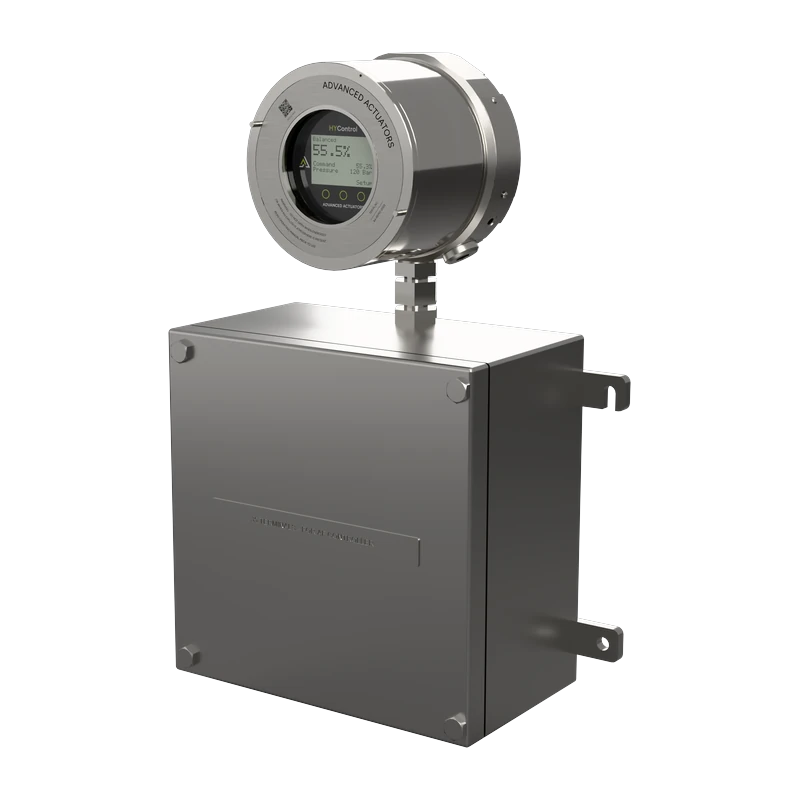
Exploded view
Closed-loop positioning for modulating duties on hydraulic and pneumatic actuators.
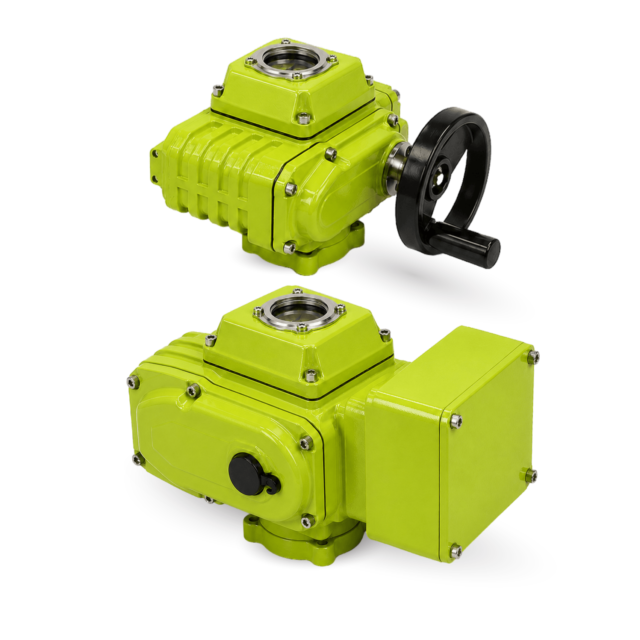
Assembled view
Electric quarter-turn actuators, standard and heavy duty, from 50 Nm to 6,000 Nm.
Every range
Compare every actuator, power unit and instrument, including HYLINE-K and the instrumentation range.
Talk to an engineer
We just need three details.
Prefer to talk it through? Call us and an engineer will help you work out what you need.
Type and size, with its torque or thrust if known.
Air, hydraulic or electric power on site.
On-off or modulating, fail-safe needs and the area classification.
Email us your detailsCall +44 (0)1535 655151
Prefer us to call you? Request a callback.
HYSTEP, HYLINE, HYLINE-R, HYFLOW, HYTRACK and HYCONTROL, with animated exploded views, and HYLINE-E and HYLINE-EQ in assembled views.
They illustrate selected configurations. The product pages and data sheets give the specification for your application.
3D models for several products, including HYFLOW, HYTRACK, HYSWITCH, HYLINE-E and HYLINE-EQ, are in our technical library. Ask us for others.
Start with the valve, its movement and the operating conditions. Available power, torque or thrust, control duty, speed and fail-safe needs all shape the configuration, and our engineers will help you work it out.



Field-proven hydraulic, pneumatic and electro-hydraulic valve actuators, with the instrumentation and controls to match, designed and built in West Yorkshire since 1969.